3D Print Time Calculator
Free 3D print time calculator: volume from cm³, bbox fill, or filament meters; layer height & line width path model; speed/travel overhead; donut & bar charts; scenario rows—plus guide. Not a slicer replacement.
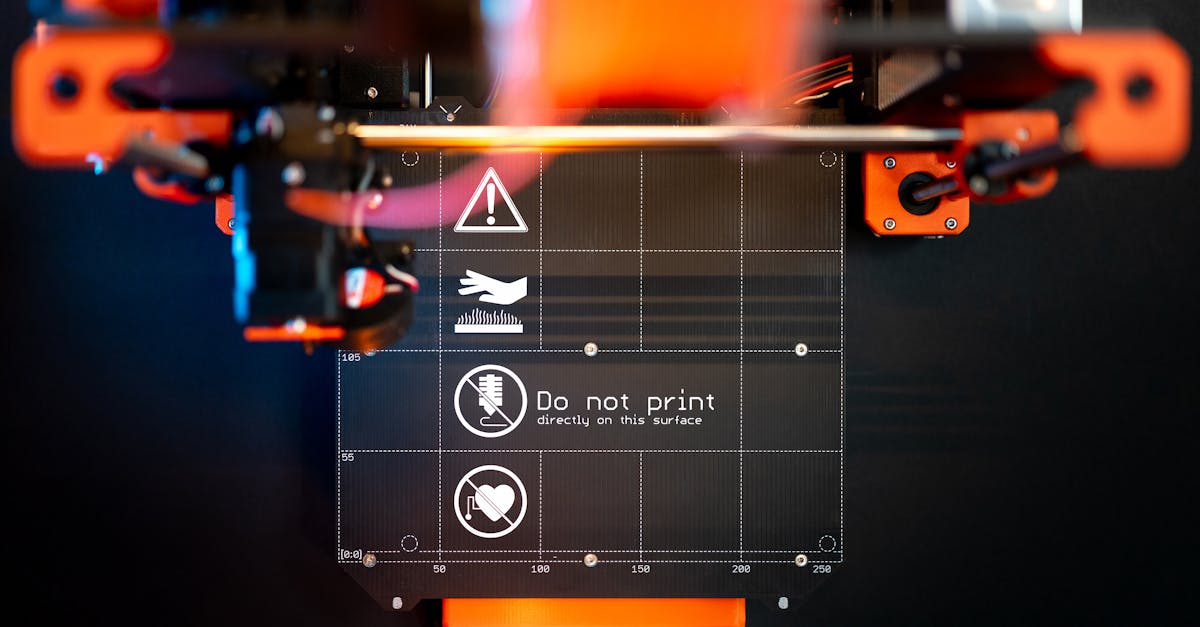
Slicer reality check: Real print time depends on acceleration, jerk, minimum layer time, retracts, infill pattern, supports, and firmware. This page uses a transparent path-length + overhead model so you can compare orders of magnitude to Cura/Bambu/Orca estimates—not replace them.
Summary: Enter extruded volume (known cm³, bounding-box fill, or filament length × diameter), layer height and line width to infer a path length, then an average print speed plus travel overhead, per-layer pauses, and preheat. You get total time, a donut breakdown, sensitivity bar charts, and a scenario table.
Method (short)
- Path length (mm): extruded volume mm³ ÷ (layer height × line width).
- Motion time: path ÷ speed, then × (1 + travel overhead %) to approximate non-extrusion moves.
- Layer overhead: ceil(model height ÷ layer height) × seconds per layer (cooling tab, Z hop, wipe).
- Preheat / start: fixed seconds you type—proxy for bed/nozzle heat and homing.
3D print time calculator (path + overhead model)
Tune the knobs until your headline minutes sit near what the slicer preview shows—then you know which assumptions were off (usually speed or layer pauses).